01 / DOORBELLS
Video doorbells
Help with placement, Wi-Fi, app setup, and checking calls on your phone. Mounting for standalone battery-powered models is reviewed with the location.
Placement · App pairing · Call test
Need help with a video doorbell, Wi-Fi camera, or smart thermostat? We help with device setup, apps, and connections. Send us the model and a photo of where it will go.
Local installation in Broward & Palm Beach
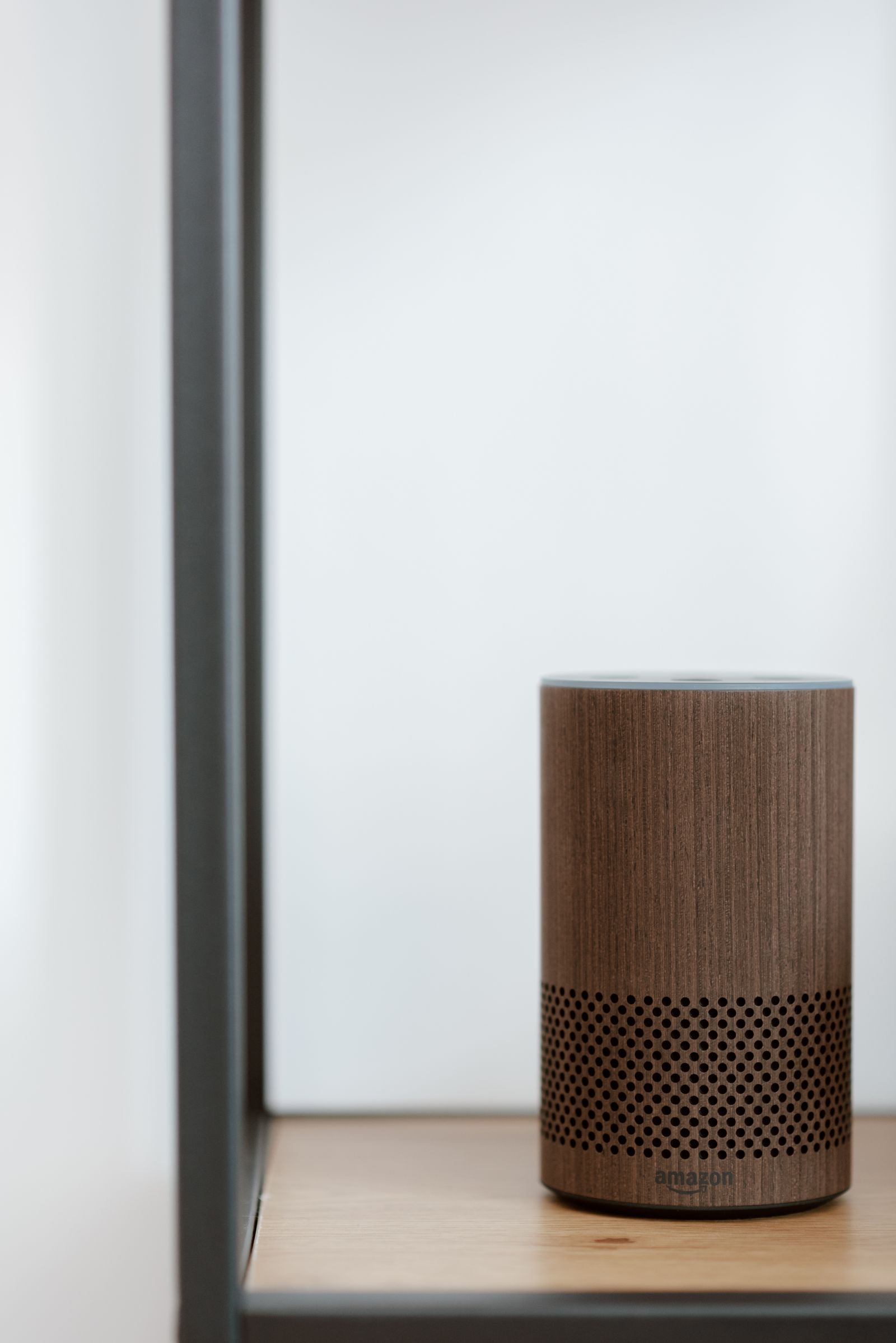 Example device
The model, power source, and location determine the work. We confirm what we can help with before the visit.
Help with placement, Wi-Fi, app setup, and checking calls on your phone. Mounting for standalone battery-powered models is reviewed with the location.
Placement · App pairing · Call test
Setup for standalone plug-in or battery-powered cameras. We review the position and power source, connect the app, and check the picture with you.
Wi-Fi · Camera view · App access
Connect an installed thermostat to Wi-Fi and your phone, set a schedule, and explain the controls. Physical replacement and wiring are handled by a licensed professional.
App pairing · Schedules · Controls
A device can be in place and still need some attention. We can help with the connection, app, and settings.
Wi-Fi helpWe check the device, location, and work needed before giving you a price.
Tell us what you want installed or set up. Include the device model, the location, and what is already there.
We review compatibility, power, Wi-Fi, and mounting needs. If the job needs a licensed trade, we explain that before booking.
We complete the agreed work, connect the device to your account, and check it with you on your phone.
For the visit: Have your phone, device, and account access ready. You enter your own passwords.
Send the model and a photo of the location. We review standalone battery-powered or plug-in devices for setup and any suitable mounting. Hardwired equipment and devices connected to an alarm system need a separate licensed provider.
We can help with the app, Wi-Fi connection, and schedules once the thermostat is installed. For physical replacement, wiring, or HVAC connections, you’ll need an appropriately licensed professional. Send the existing and new models so we can confirm our part of the setup.
We do not provide electrical contracting, alarm installation, alarm programming, or monitoring. New wiring, transformers, outlets, and connections to an alarm system are outside this service.
We can help set up compatible smart bulbs, plug-in devices, speakers, and displays. This can include room names, voice controls, and simple schedules. Replacing wired switches or light fixtures is outside our service.
Tell us where it happens and which router or mesh system you use. We can review the connection and discuss any separate Wi-Fi setup needed before adding more devices.
Devices are set up in your own accounts. Manufacturer subscriptions, such as paid video storage, are separate. We explain any paid features before you choose them.
Send the model, a photo, and what you need help with.