01 / COVERAGE
Weak or dropping Wi-Fi
Check the rooms and devices having trouble. Review the router location, signal, and settings to find where the connection breaks down.
Dead spots · Dropouts · Room checks
Weak signal in the bedroom? Calls dropping in the office? We help find the cause, set up routers and mesh systems, and connect the devices you use every day.
Local installation in Broward & Palm Beach
From one room with weak Wi-Fi to a router replacement or a home office that needs everything connected.
Check the rooms and devices having trouble. Review the router location, signal, and settings to find where the connection breaks down.
Dead spots · Dropouts · Room checks
Set up compatible equipment, choose useful locations, and reconnect your devices. We can also help after a change of internet provider.
Router setup · Mesh placement · Guest Wi-Fi
Connect computers, TVs, and printers, set up a network switch, and check existing Ethernet connections. Practical help for your home or small office.
Ethernet · Switches · Printers
Slow internet, weak Wi-Fi, and one device that won’t connect can have different causes. We check the setup before suggesting changes.
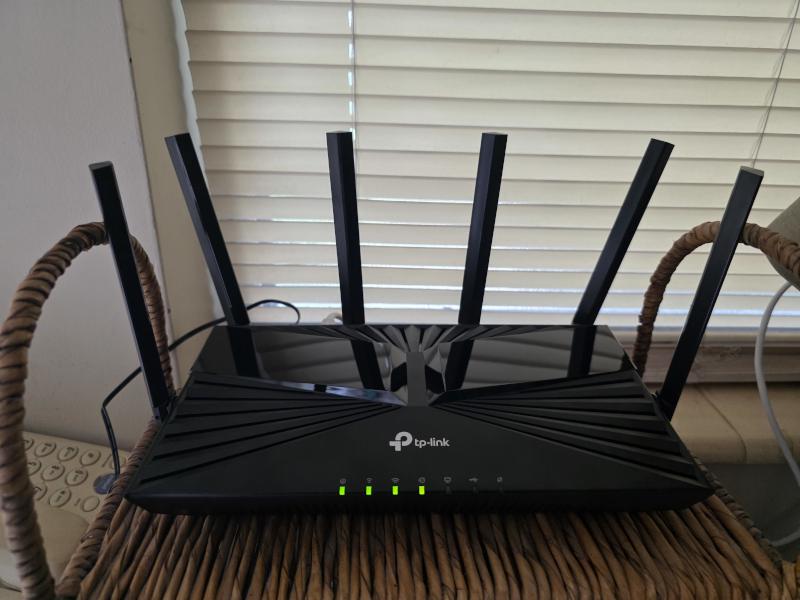
Router in place and connected.
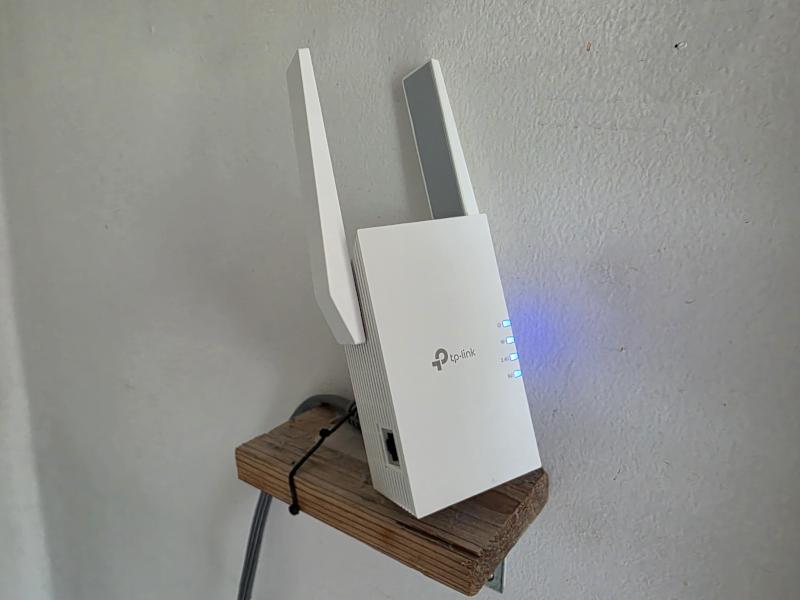
Extender installed on a wall shelf.
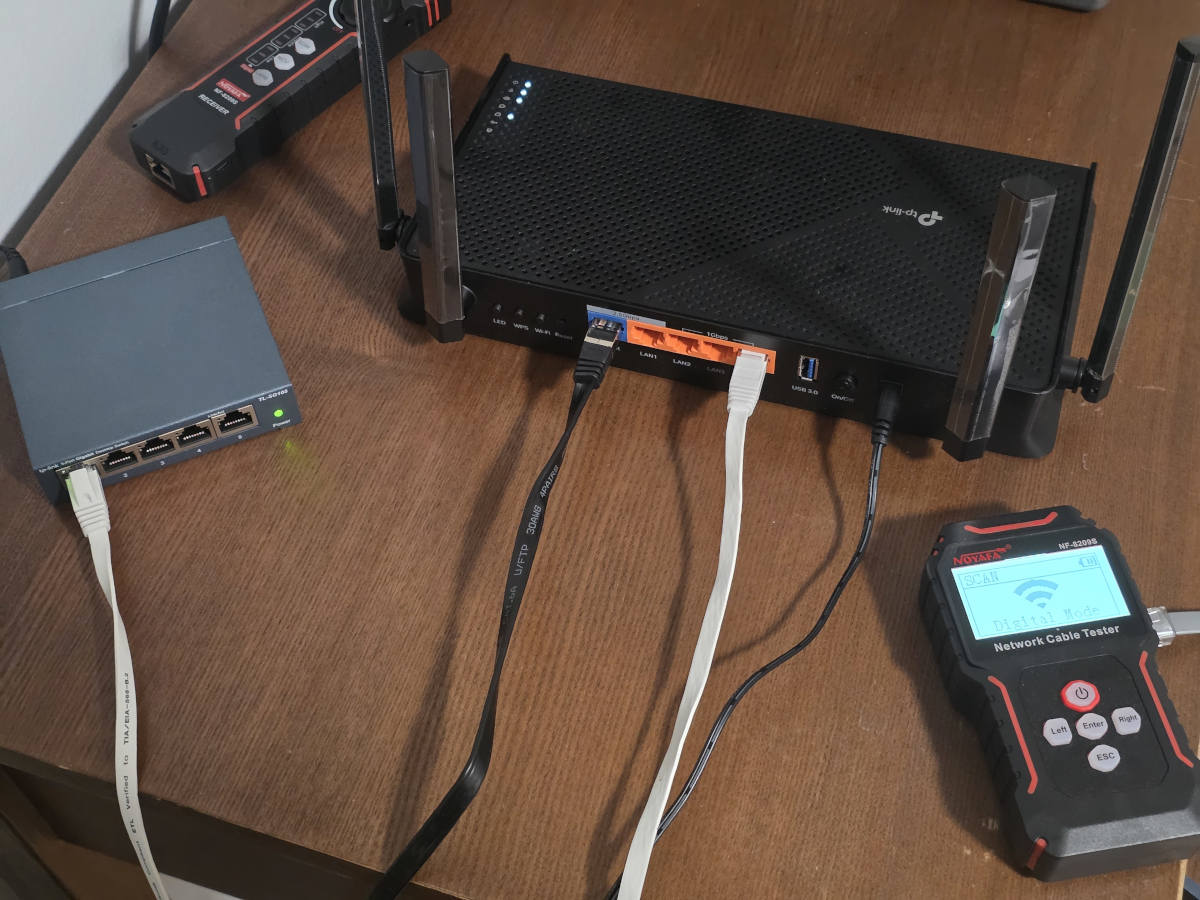
Equipment connections and cable checks.
Tell us what happens and where. Equipment photos are welcome.
Tell us where the connection falls short and what equipment you already have.
Share your router or mesh model, internet provider, and the rooms or devices affected. A photo of the equipment and a rough room layout help.
We review the setup and confirm the visit scope and price. Any equipment or additional work is discussed before you decide.
We make the agreed changes, check the connection in the rooms that matter, and try your everyday devices with you.
For the visit: Have access to your router, provider account, and the devices you want connected. You enter your own passwords.
Not necessarily. We start with your current equipment, its location, and the rooms affected. A settings or placement change may help; if different equipment makes sense, we explain the options before you buy.
Yes, we can review the gateway and how your devices connect to it. Available settings depend on the provider and model. Account changes, service outages, and faults on the provider’s line need the provider’s support.
We can assess those areas and discuss router placement, mesh nodes, or compatible access points. Walls, distance, and the available connections affect the result. We check the locations you use rather than promise a fixed range.
Yes. We can help connect compatible printers, computers, TVs, and other devices by Wi-Fi or available Ethernet connections. Tell us which devices need to work together and what is not working now.
This service covers equipment setup, plug-in Ethernet connections, and checks of existing network connections. New cable runs through walls and electrical outlet work are outside the current service.
Yes, where your router or mesh system supports it. We can set a separate guest network name and password, review the available access settings, and show you how to change them.
It may improve a weak or unreliable connection inside your home. It does not increase the speed of your internet plan or fix a provider outage. We compare the connection near the router with the affected areas to help identify the limit.
The price depends on the issue, equipment, and number of devices or areas involved. We agree on the visit scope and price first. New hardware and provider charges are separate.
Send your equipment model and a short description of the problem. We’ll work out the next step.